What's New
TurboKit updates and features inherited from Inspector Reloaded. The extension banner links here when an update is available.
This page is the release notes for TurboKit. When a new version ships, the extension shows a one-time banner. Opening this page or dismissing the banner marks that update as seen, so it will not appear again until the next release.
TurboKit updates
These are TurboKit's own features and changes. They are not part of Inspector Reloaded.
Deduplicate
Find and merge duplicate records across objects, not only Contacts.
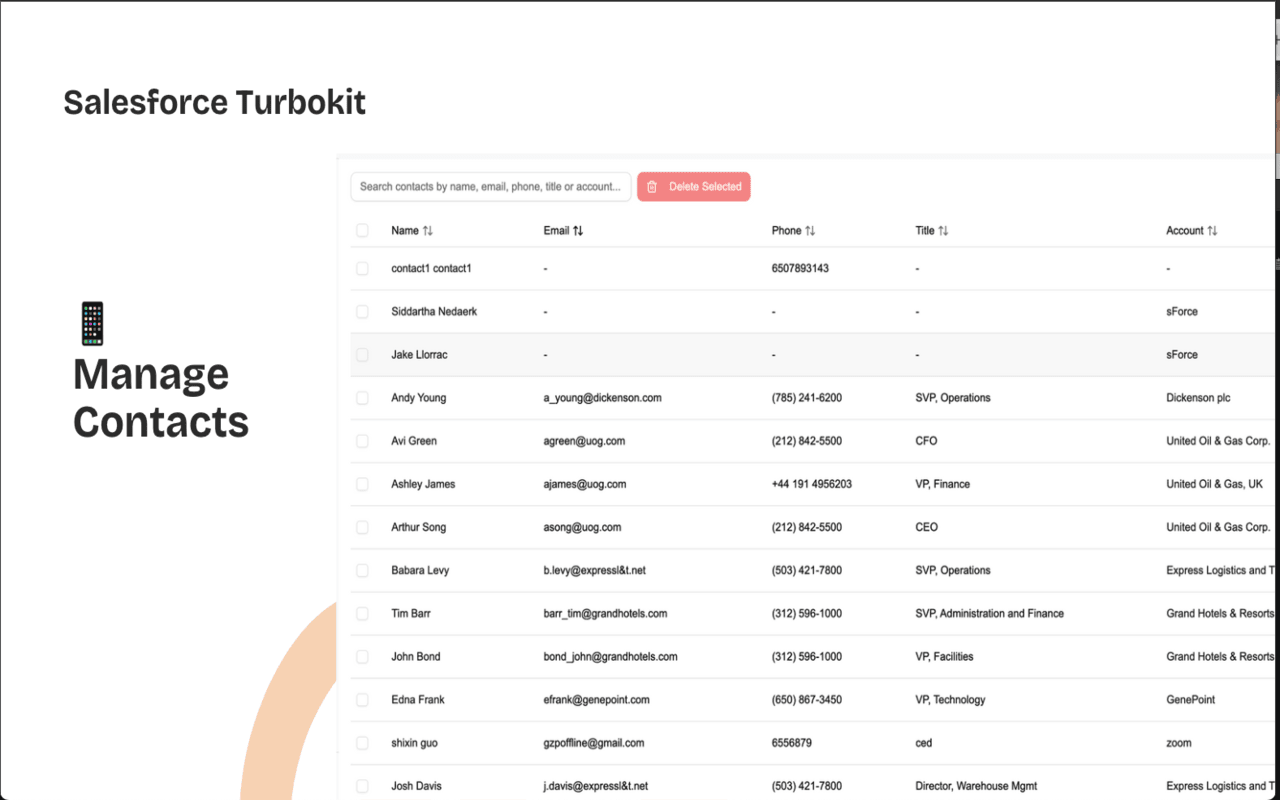
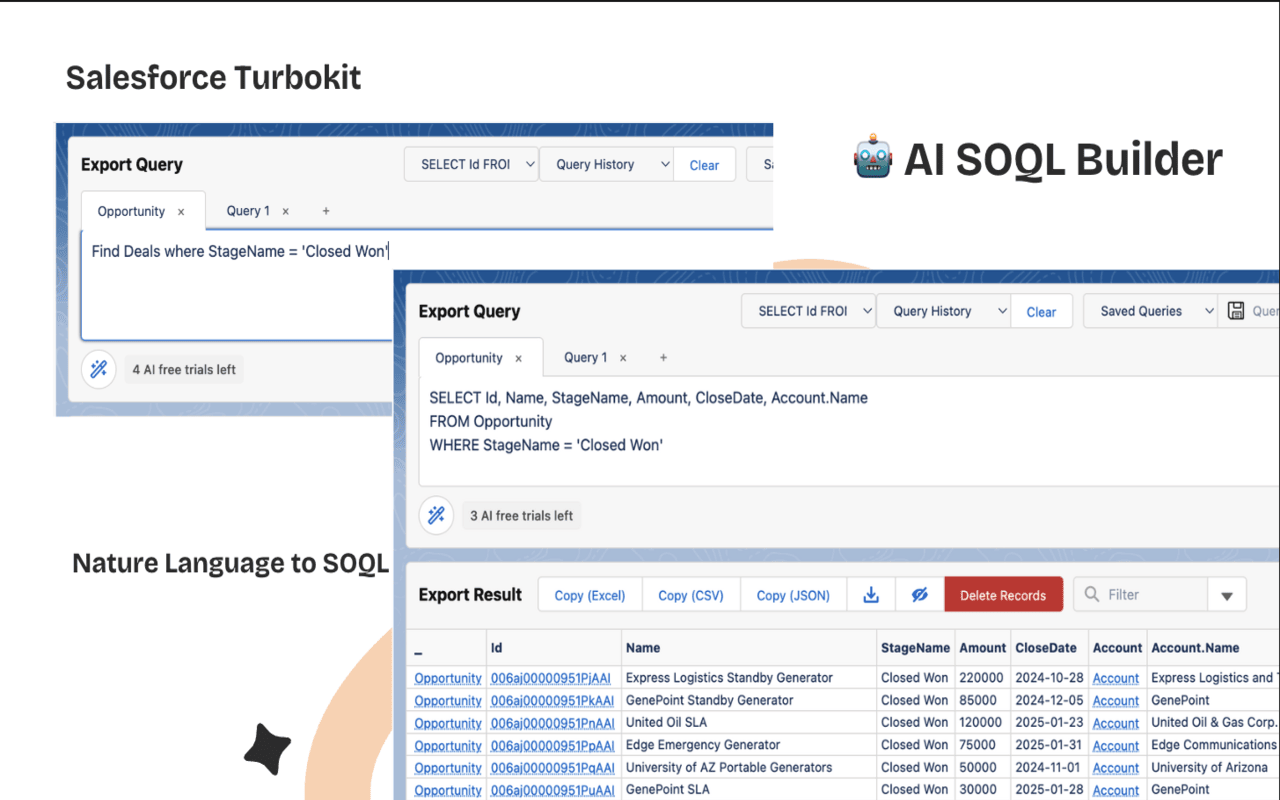
AI SOQL Builder
Turn a plain-English description into a SOQL query. Free users get 5 credits; Pro includes unlimited usage.
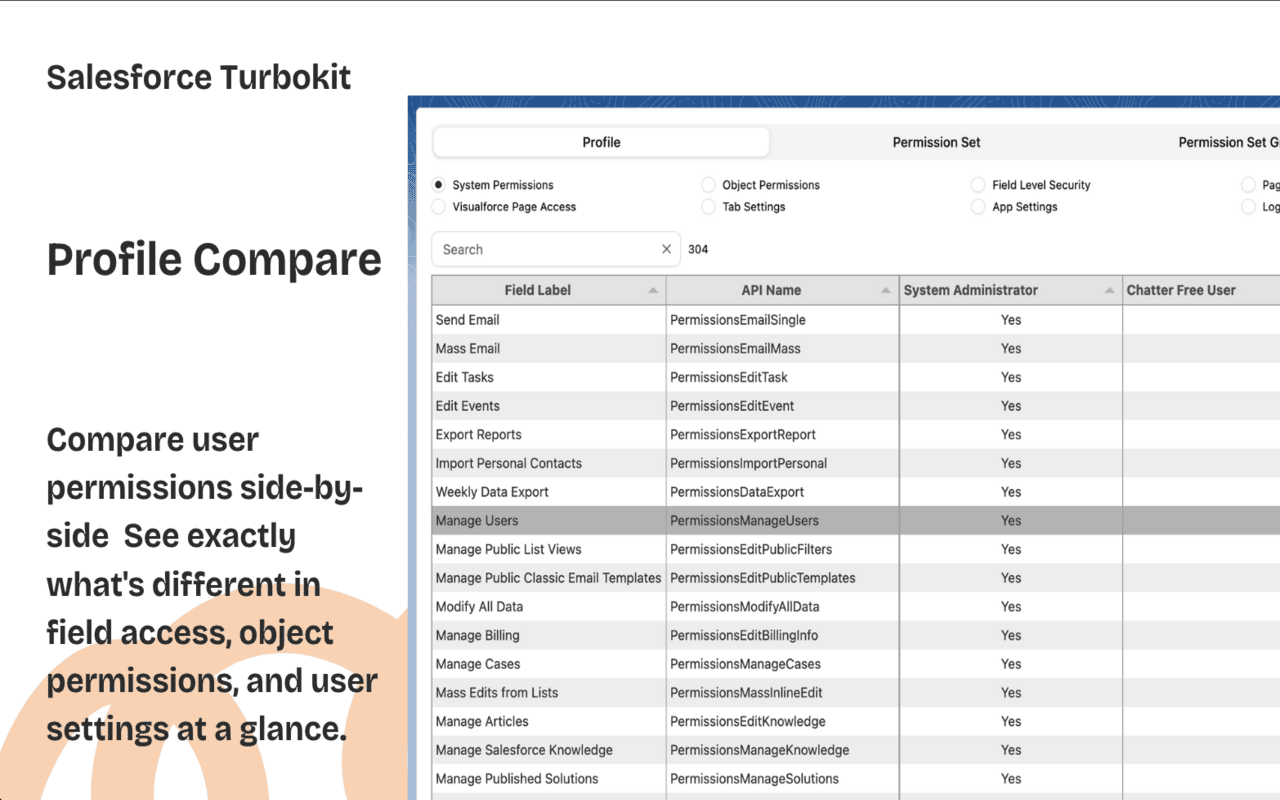
Profile Comparison Tool
Compare profiles and permission sets side by side, including object, field, and system permissions.
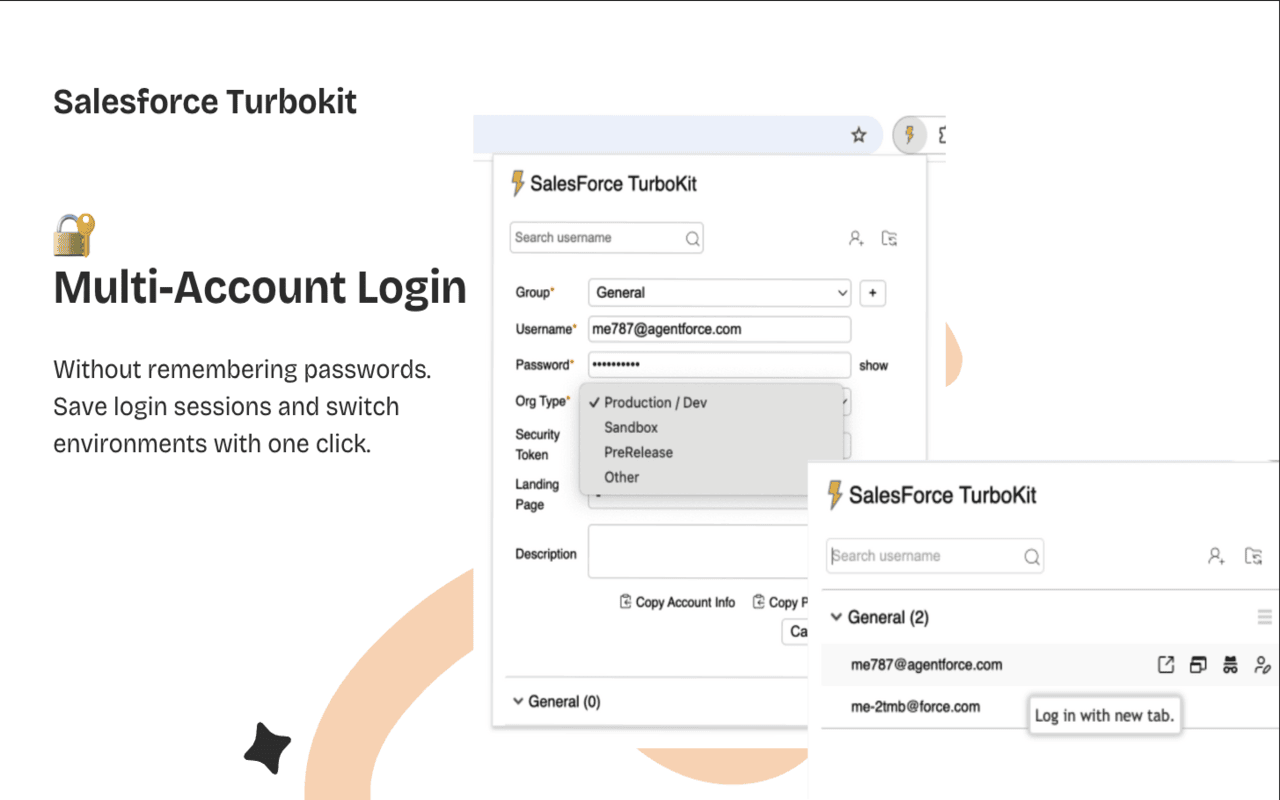
Multi-Account Login Manager
Switch between Salesforce orgs and users while keeping the current page.
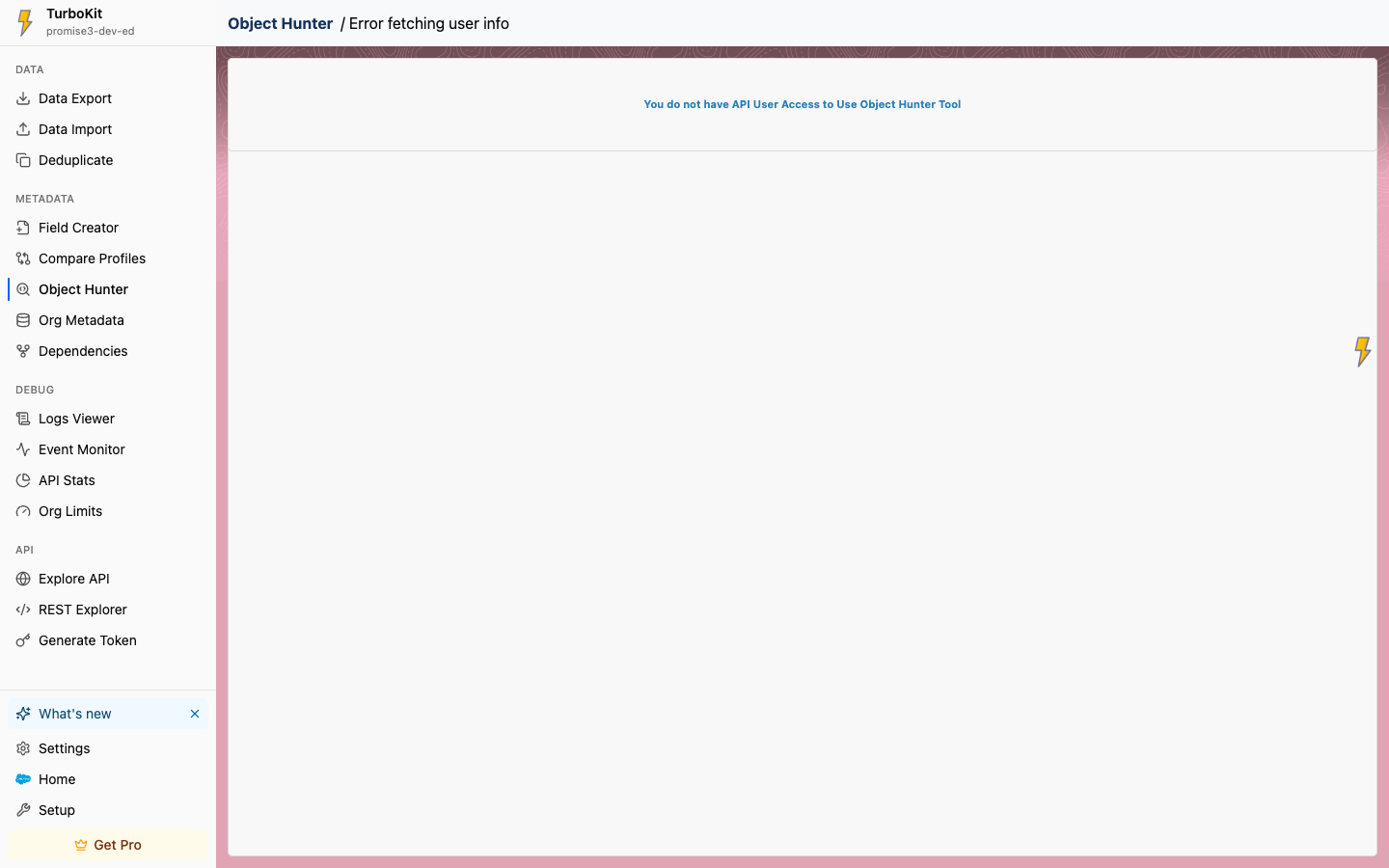
Object Hunter
Search and open objects and metadata quickly from the extension.
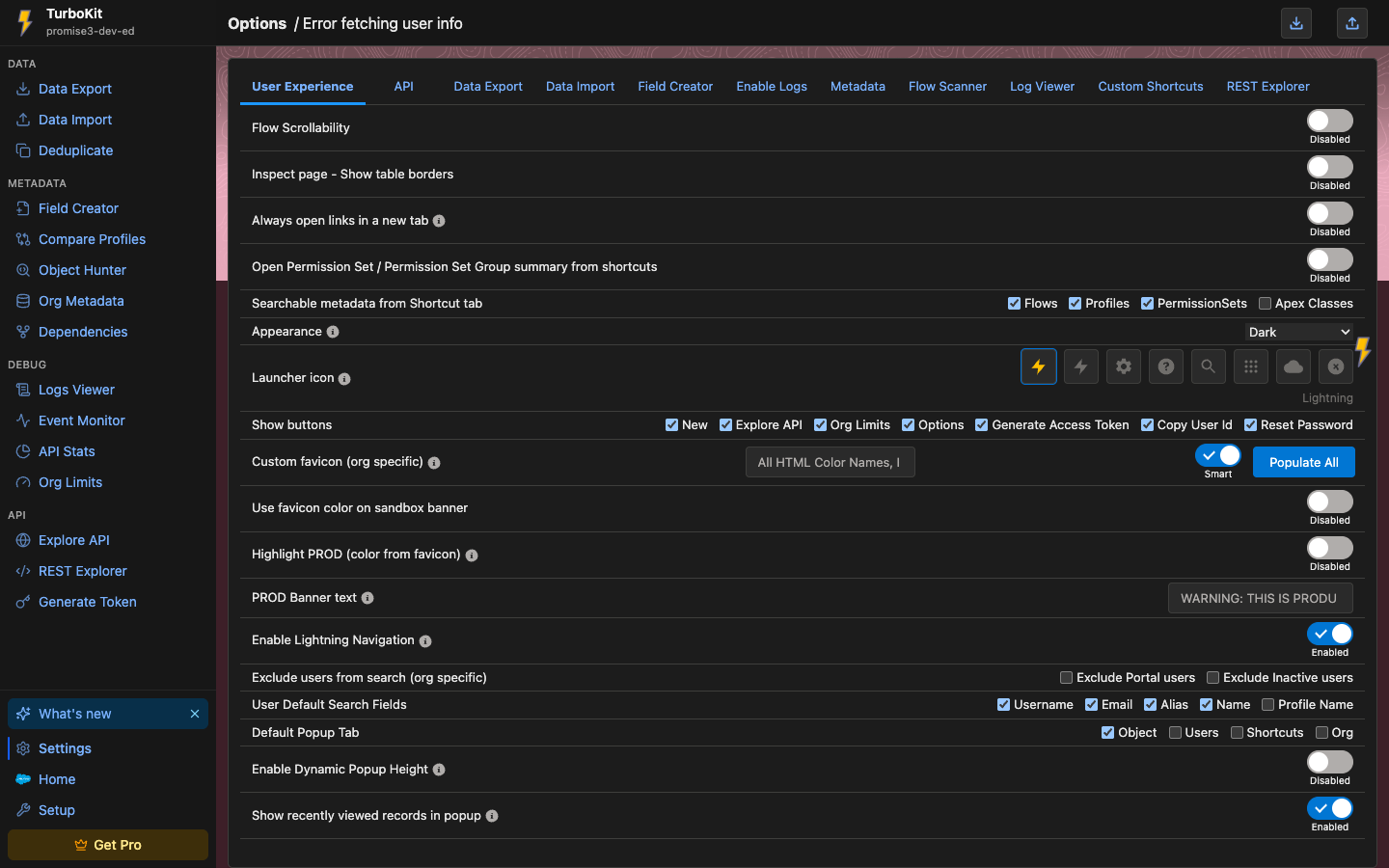
Dark mode
System / Light / Dark for extension pages and the inspector popup (Settings → User Experience → Appearance).
What's New banner
A one-time in-extension notice that links to this page when a new TurboKit version is available. The sidebar What's new item appears on every tool page.
Inherited from Inspector Reloaded
These tools and fixes were developed in Salesforce Inspector Reloaded and are included in TurboKit. Flow Scanner in TurboKit does not include the Inspector Reloaded AI / Agentforce flow description.
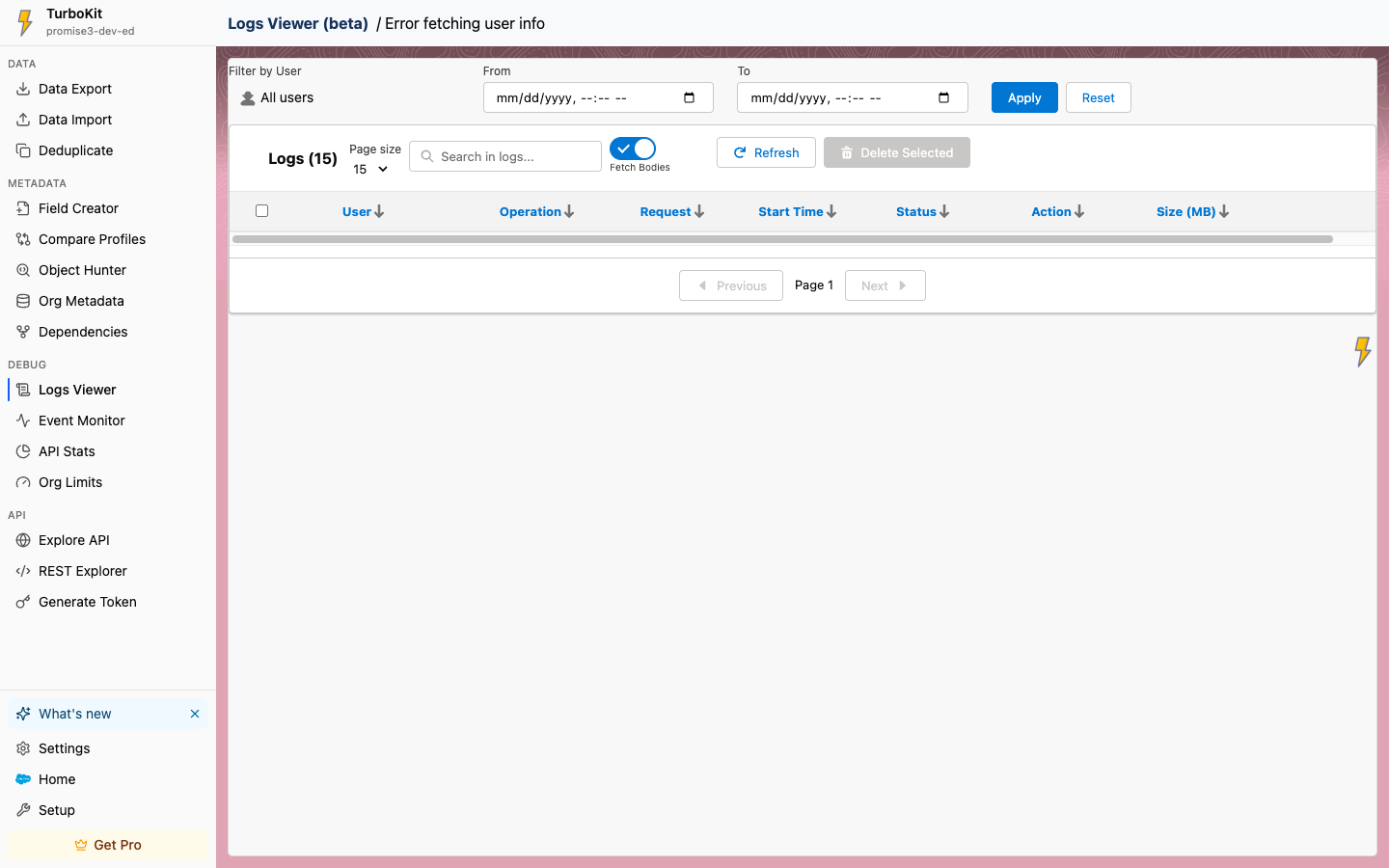
Logs Viewer
Browse, filter, preview, and download Apex debug logs.
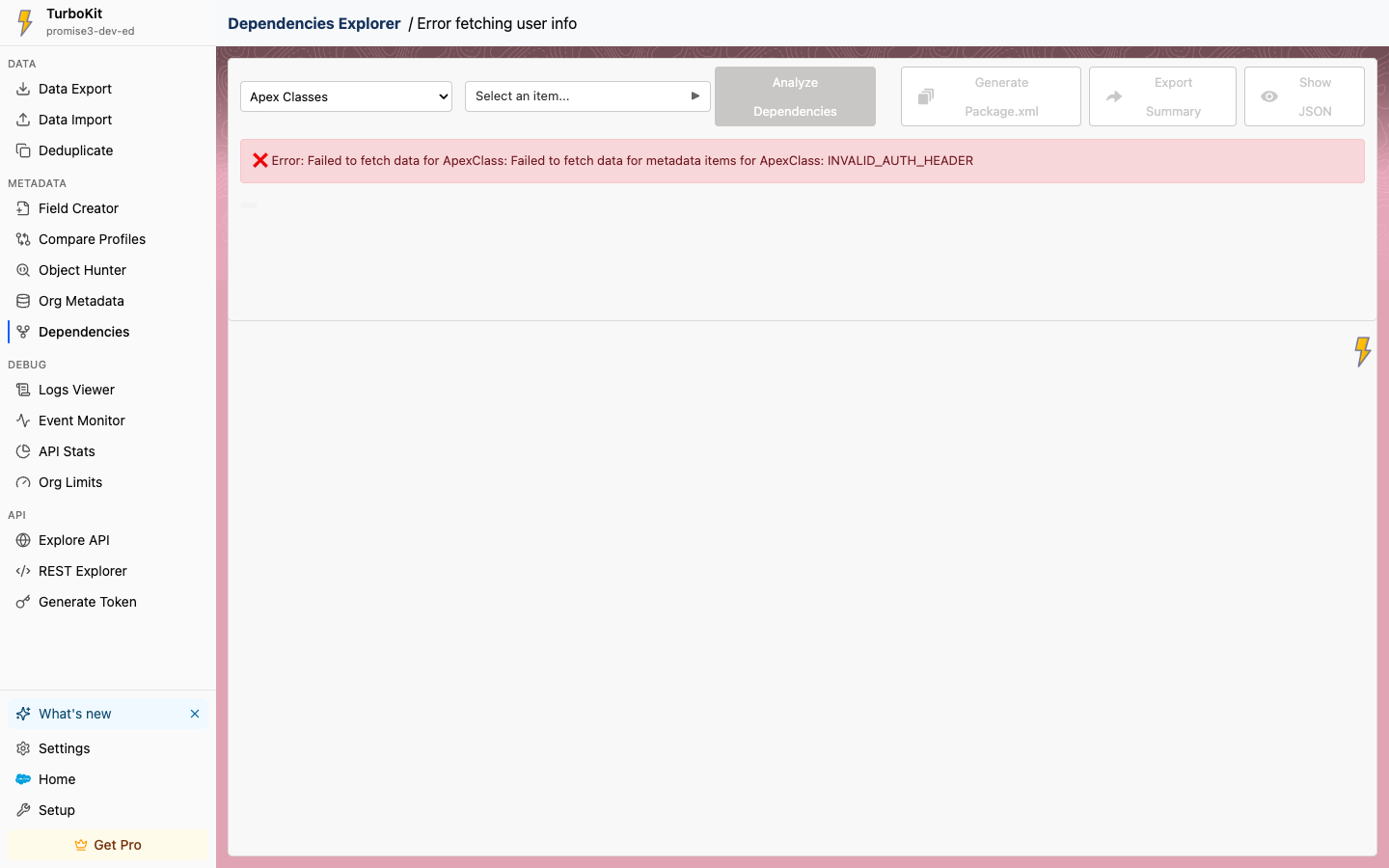
Dependencies Explorer
Inspect metadata dependencies and export a package.xml.
Flow Scanner
Scan Flow versions with lightning-flow-scanner (AI description is not included).
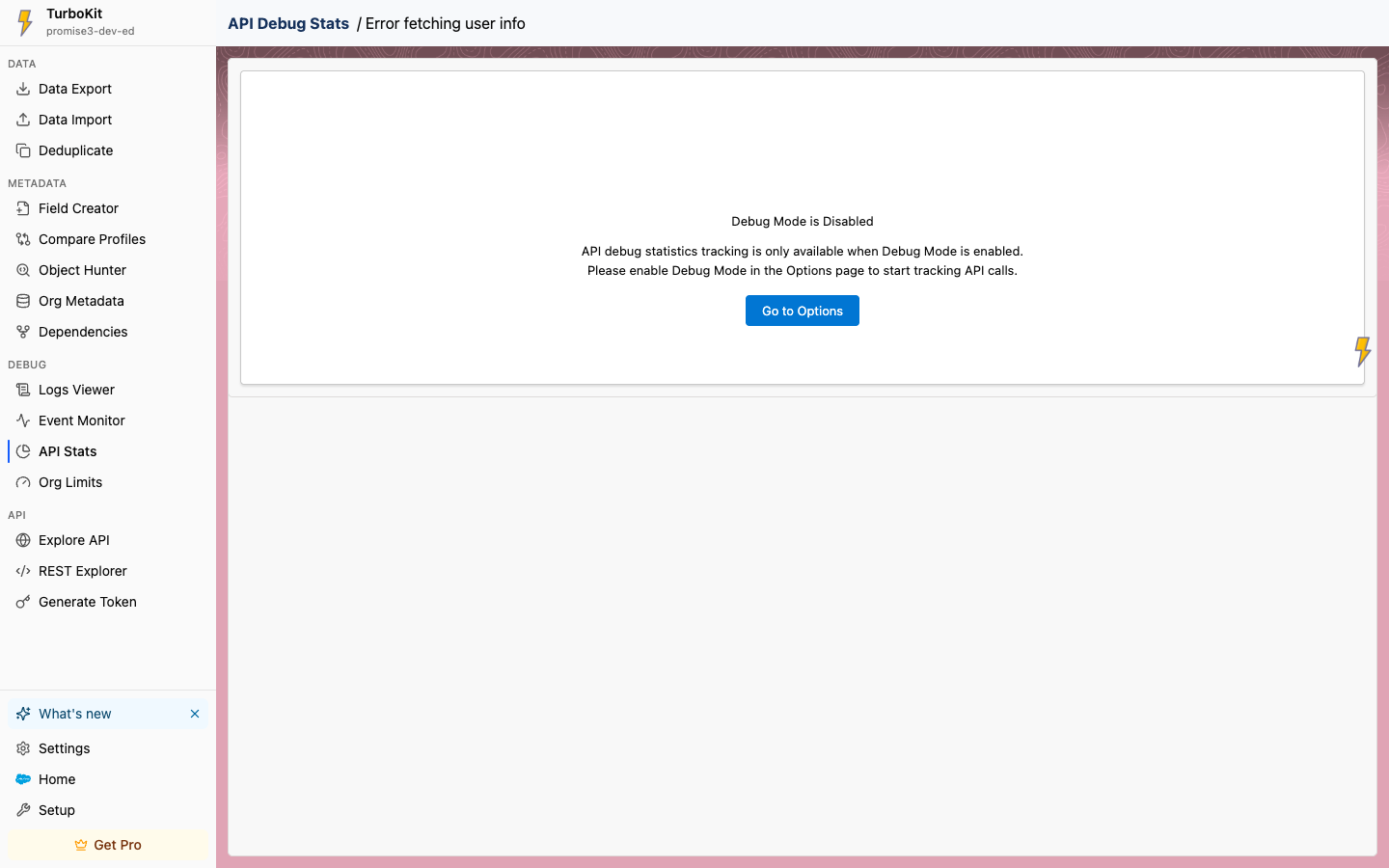
API Debug Stats
Track REST and SOAP calls when API Debug Statistics Mode is enabled in Settings.
Popup and users
- Configurable user search fields and filters to exclude portal / inactive users.
- Unfreeze a frozen user; Login As stays hidden while frozen.
- Copy a user Id and reset another user's password.
- Keyboard shortcuts no longer fire while Ctrl / Alt / Shift / Meta are held.
- Record Type fields are queried only when the object has more than one record type.
- Catalan and Basque language flags now show the correct regional flags.
Data Export and Import
- Query tabs: double-click to rename, drag to reorder, right-click to close tabs.
- Option to prevent line wrap in table cells.
- CSV downloads include a UTF-8 BOM by default for Excel compatibility.
- Copy actions are disabled on empty results instead of throwing.
- SOSL (
:find) history entries are recognized like:select. - JSON import no longer requires
attributes.type. - Tooling API import supports nested field paths such as
Metadata.status.
Metadata, REST, and fields
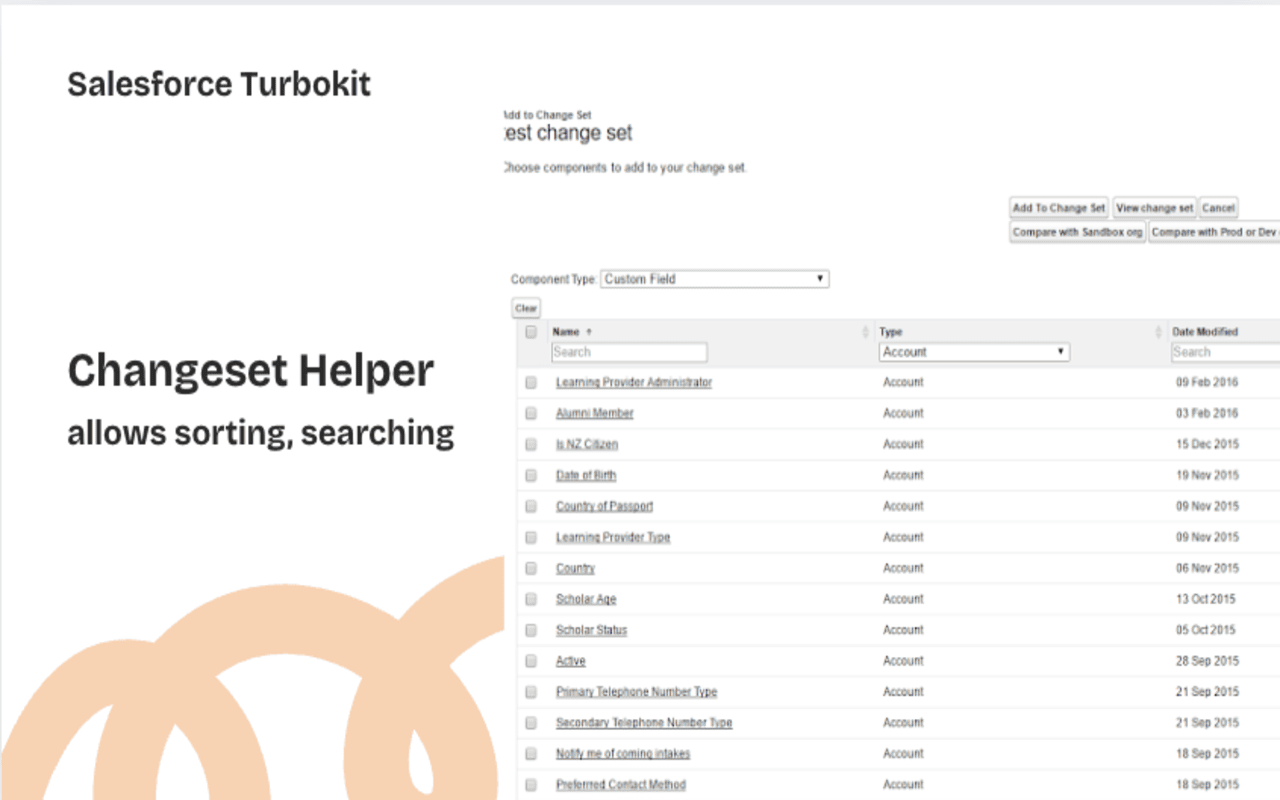
- View Metadata preview on Metadata Retrieve (with copy and download).
- Approval Process, Validation Rule, Workflow Rule, and Business Process listing fixes.
- Checkbox selection is derived bottom-up, including an indeterminate state.
- REST Explorer: custom request headers, and responses are formatted from
Content-Type. - Field Creator supports platform events (
__e) with the allowed field types.
Appearance and setup
- Global custom shortcuts that apply across every org.
- Default Salesforce API version is 66.0 (Winter '26).
- Additional Setup shortcuts (Event Relays, External Client Apps, Developer Console, API Catalog, and more).